Block Sort 3D - Color Match1.1.0
Publisher Description
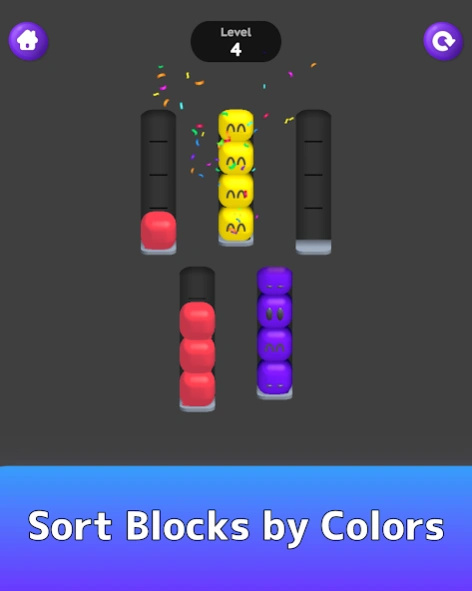
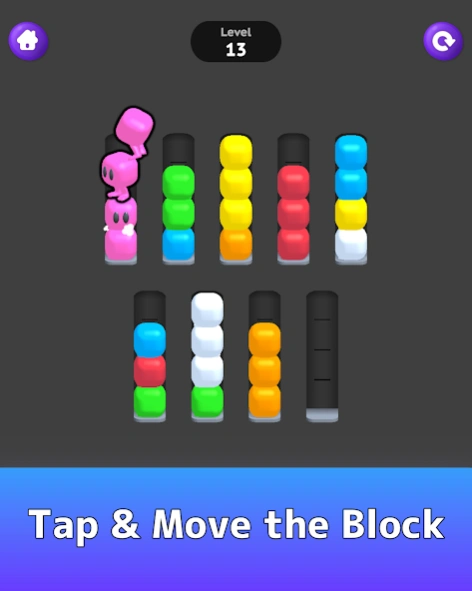
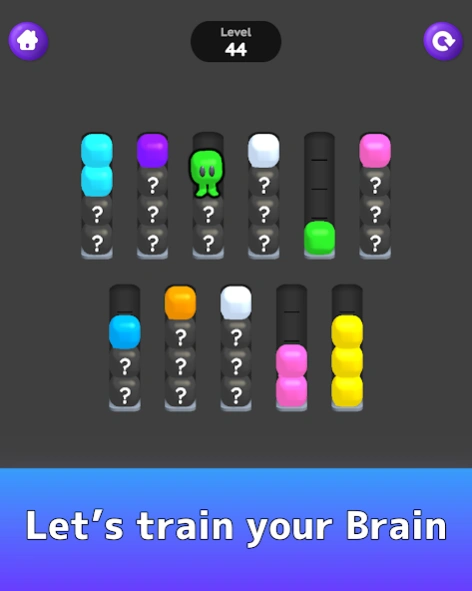
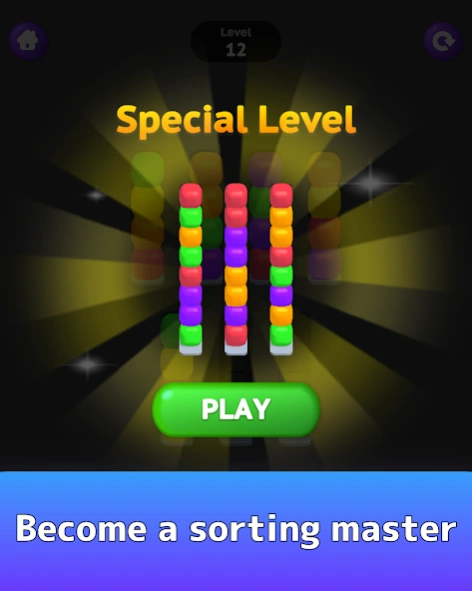
Block Sort 3D - Color Match is the perfect puzzle game for relaxation!
Need an interesting and addictive game?
Block Sort 3D - Color Match not only relaxes and relieves stress, but also exercises the brain.
- OUR STUNNING FEATURES
・500+ PUZZLES TO SORT. Sort as much as you can!
・FREE PUZZLES AND NO SUBSCRIPTION & HIDDEN FEES! Isn't that amazing?
・A HUGE VARIETY OF AMAZING LEVELS.
・Train your brain in a relaxing game!
- HOW TO PLAY
・ Sort the blocks by color by tapping them to feel the vibration.
・ Level up to earn rewards and master block sorting.
・A block can only be placed on top of another block if the two balls are the same color and there is enough space.
・The rule is that all blocks of the same color must be placed in one space to complete the level.
・"Undo" to return to the previous step.
・If you get stuck, you can add additional speace.
・You can resume the level at any time
Embark on a sorting adventure that will excite all of your senses! Download Ball Sort - Color Match Puzzle now and redefine your puzzle game experience!
About Block Sort 3D - Color Match
The company that develops Block Sort 3D - Color Match is GOODROID,Inc.. The latest version released by its developer is 1.1.0.
To install Block Sort 3D - Color Match on your Android device, just click the green Continue To App button above to start the installation process. The app is listed on our website since 2024-11-12 and was downloaded 0 times. We have already checked if the download link is safe, however for your own protection we recommend that you scan the downloaded app with your antivirus. Your antivirus may detect the Block Sort 3D - Color Match as malware as malware if the download link to jp.co.goodroid.hyper.sortpuzzle.blockjam is broken.
How to install Block Sort 3D - Color Match on your Android device:
- Click on the Continue To App button on our website. This will redirect you to Google Play.
- Once the Block Sort 3D - Color Match is shown in the Google Play listing of your Android device, you can start its download and installation. Tap on the Install button located below the search bar and to the right of the app icon.
- A pop-up window with the permissions required by Block Sort 3D - Color Match will be shown. Click on Accept to continue the process.
- Block Sort 3D - Color Match will be downloaded onto your device, displaying a progress. Once the download completes, the installation will start and you'll get a notification after the installation is finished.
Program Details
System requirements
Download information
Pricing
Version History
version 1.0.3
posted on 2024-11-12
Bug fix.
